Most automation advice for coaches reads like a horoscope. "Automate your business." "Free your time." "Let AI handle the busywork." None of it tells you which tasks to start with, how long each one takes to set up, or what the actual time saving looks like once it is running.
This is a different list. Each task below is something we have built into a real coaching business at Praxail. For each one you get: what it does, the realistic time saving once it is live, an honest setup cost (in hours, not money), the tools we reach for, and when to skip. Read it as a triage list. Pick the one or two tasks that map to your current bottleneck and start there.
If you want the broader system view of how these tasks fit together, the AI automation playbook for coaches covers that. This post is the task-level checklist underneath.
How we picked these seven
A coaching business has roughly twenty repeating tasks that can be automated. We picked the seven where the ratio of time-saved to setup-effort is highest for a coach selling £1,000 to £10,000 programmes. The filter cuts the obvious low-leverage candidates: things like social-media scheduling, content-spinning, and AI avatars that promise to be you. They show up in plenty of lists. They do not move revenue for a high-ticket coach.
The seven below do.
| Task | Time saved (monthly) | Setup effort | Direct revenue impact |
|---|---|---|---|
| 1. Inbound lead response within 5 minutes | 8 to 15 hours | 4 to 8 hours | High (21x qualification rate uplift) |
| 2. Discovery call booking and reminders | 4 to 8 hours | 2 to 4 hours | High (no-show reduction, show rate uplift) |
| 3. Client onboarding sequence (day 0 to 7) | 3 to 6 hours / client | 6 to 10 hours | Medium (retention uplift, referral lift) |
| 4. Session note capture and CRM updates | 5 to 10 hours | 2 hours | Medium (better next-session quality) |
| 5. Weekly client check-ins | 4 to 8 hours | 4 to 8 hours | Medium-high (retention, LTV) |
| 6. Inbox triage and reply drafting | 10 to 20 hours | 8 to 16 hours | Low-medium (operational relief) |
| 7. Repurposing long-form content | 4 to 8 hours | 4 to 6 hours | Low (top-of-funnel awareness) |
The numbers in column two are conservative. They assume the system is built once, runs reliably, and gives you back the hours you were spending on the same task by hand.
1. Reply to inbound leads within five minutes
This is the single highest-ROI automation any coach can put in place. Inbound leads come in through DMs, contact forms, Calendly intake answers, and email. They go cold fast. The numbers are well known: 78% of buyers hire whoever replies first, and replying within five minutes makes a lead 21 times more likely to qualify than replying within thirty minutes. We covered the maths in the 5-minute rule.
What the automation does: detects an inbound lead across every channel you receive them on, classifies the message (qualified question, scheduling request, casual enquiry, spam), and drafts a personalised reply in your voice that either answers the question and offers a call link, or asks the one qualifying question you need before sending one. The reply lands in the lead's inbox within four or five minutes, with the human touch already in it.
Tools we reach for: n8n (orchestration), Claude (drafting), Instagram Graph API / form webhook (capture), Calendly (booking handoff), Customer.io or ActiveCampaign (delivery).
Time saved: 8 to 15 hours per month for a coach getting 30 to 80 inbound leads. The bigger uplift is on the revenue side. One coach we work with went from missing roughly 30% of inbound leads to a follow-up rate that holds at 98% across DMs, forms, and email. The same month their discovery call bookings climbed by 40%.
Setup effort: 4 to 8 hours if you are using off-the-shelf tools. The work is mostly mapping which channels feed into which workflow, writing the tone-of-voice prompt the model uses, and confirming the qualification logic.
Skip if your lead volume is genuinely small (under five inbounds a month) and replying by hand within an hour is feasible. Under that volume the human reply is fine.
For the full system view of this task, see the AI lead follow-up guide.
2. Book and remind discovery calls automatically
Once a lead is qualified, the next failure mode is the call itself: a third of booked discovery calls no-show, half of show-ups arrive cold, and the post-call follow-up gets sent late or not at all. Automating the call layer fixes all three.
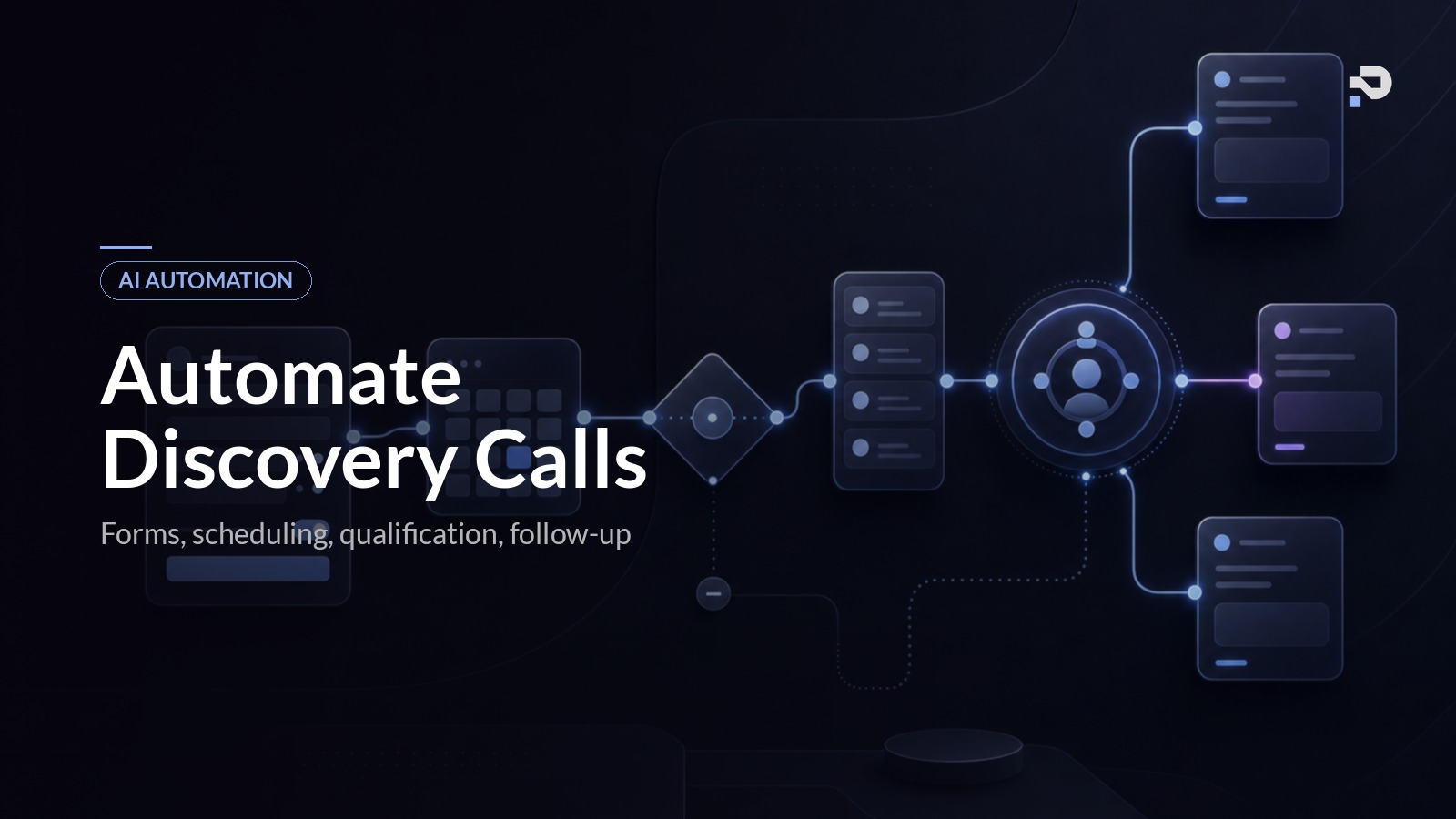
What the automation does: sends the booking link at the moment a lead is qualified (not later), pre-fills the calendar invite with a prep email, fires SMS and email reminders at twenty-four hours and one hour, sends a one-line "we still on?" message if the lead has not opened the previous reminders, and lands a structured post-call follow-up within thirty minutes of the call ending.
Tools we reach for: Calendly or Cal.com (booking), Twilio (SMS), Customer.io or ActiveCampaign (email sequences), n8n (orchestration), Claude (call-summary-driven follow-up drafting).
Time saved: 4 to 8 hours per month for a coach running 8 to 20 discovery calls. The larger gain is the no-show reduction. In one Praxail build the no-show rate went from around 30% to closer to 10% in the first month after SMS reminders and the "still on?" message were added. At a 40% close rate and a £5,000 programme, that is four extra closed clients a month attributable to the automation.
Setup effort: 2 to 4 hours. The booking and reminder layer is well-trodden ground; most of the time is spent writing the messages and wiring the post-call follow-up.
Skip if your scheduler already does this cleanly (Practice Better, Simply.Coach, and Dubsado all have decent built-in reminder logic). In that case, focus on the post-call follow-up only.
The full pipeline is covered in the discovery call automation guide.
3. Run a 7-day onboarding sequence after each client signs
The first seven days after a client signs do more for retention than any other window in the relationship. Coaches who deliver a fast, structured onboarding hold clients longer and get more referrals. Coaches who deliver a slow, ad-hoc onboarding lose clients before the third month, often without knowing why.
What the automation does: the moment a contract is signed and the deposit clears, the system sends a welcome message in the coach's voice, delivers the intake form, books the kick-off call if it is not already booked, provisions any portal access, sends a "what to expect" video at day one, follows up with the intake form if it has not been completed by day three, and sends a "ready for our session" prep email at day seven. Everything triggered, sequenced, and timed without the coach lifting a finger.
Tools we reach for: Dubsado, HoneyBook, or Paperbell (contracts and intake), Notion or Airtable (portal), n8n (sequencing), Customer.io (delivery), Claude (intake summarisation for the coach before the kick-off).
Time saved: 3 to 6 hours per client. For a coach signing 4 to 8 clients a month, that is 12 to 48 hours of post-sale admin removed.
Setup effort: 6 to 10 hours. The depth comes from getting the messaging right and connecting the trigger correctly (signed contract, paid deposit, intake completion). The sequence itself is straightforward once the wiring is in place.
Skip if your coaching is project-style and every engagement is bespoke. Generic onboarding works for repeatable programmes. Highly bespoke work needs a different shape.
The full day-by-day sequence is in the coaching client onboarding guide.
4. Capture session notes and update the CRM automatically
If you are taking notes during sessions, you are doing two jobs at once and one of them is suffering. The fix is to let an AI note-taker handle the transcript and summary, then have a workflow update the CRM with the relevant fields automatically.
What the automation does: the AI tool joins or sits beside the session (Granola without a bot, Fireflies or Otter as a bot), records and transcribes the call, generates a structured summary at the end (action items, breakthroughs, blockers, next session focus), and pushes the relevant fields into the CRM record for that client. The coach gets a clean artefact, the CRM gets accurate data, and the next session starts with a brief that already exists.
Tools we reach for: Granola, Fireflies, or Otter (capture and summary), n8n (the bridge to the CRM), Notion or Airtable (CRM target), Dubsado or HoneyBook (if that is your CRM).
Time saved: 5 to 10 hours per month for a coach running 30 to 60 sessions. The compounding benefit is better next sessions: every session opens with the coach already aware of where the client left off.
Setup effort: 2 hours. The note tools are largely plug-and-play. The custom work is the CRM-update bridge.
Skip if your niche has confidentiality constraints that prohibit recording (therapy-adjacent coaching, executive coaching with NDAs). In that case, structured shorthand notes captured manually after the call are the next best option.
5. Run weekly client check-ins between sessions
Coaches who automate check-ins keep clients longer. Coaches who do not, lose clients in the third and fourth months when the initial momentum drops and life takes over. The check-in is what holds the relationship together between sessions.
What the automation does: sends a personalised, sequence-aware check-in to each active client on a chosen cadence (we usually default to a brief daily nudge and a longer weekly reflection). The message is composed by a language model with context from the last session's notes and the client's stated goals, so it is not "How is your week going?" generic. Responses get classified for sentiment, and any signals that a client is drifting (low engagement, negative tone, missed two check-ins) get flagged to the coach before the next session.
Tools we reach for: n8n (sequencing), Claude (drafting with session context), Twilio or Customer.io (delivery), Qdrant (vector store of session notes for context retrieval), Notion or Airtable (client record).
Time saved: 4 to 8 hours per month for a coach with 10 to 20 active clients. The retention impact is the larger story. In one Praxail build the sentiment layer flagged struggling clients two to three weeks earlier than the coach would have noticed manually, which translated directly into renewed engagement before the client churned.
Setup effort: 4 to 8 hours. The wiring is moderate. The work that matters is calibrating the sentiment thresholds and writing the prompt that pulls session context cleanly without leaking the wrong details.
Skip if your programme is short (under eight weeks) and the relationship does not need between-session touchpoints. Intensive sprints are fine without this.
The full check-in architecture is in the client accountability system guide.
6. Triage your inbox and draft replies you can approve
Email is the operational tax on a coaching business. Even with a CRM doing the heavy lifting, you still answer roughly thirty messages a day across general queries, partnership requests, podcast invitations, support issues, and the long tail of admin. An AI inbox layer handles the triage and drafts the replies.
What the automation does: monitors a chosen inbox, classifies every incoming message into one of a small set of categories (lead, partnership, support, podcast invite, refund, spam), drafts a reply grounded in your past responses and your knowledge base, and presents the draft for one-click approval. The message you would have spent four minutes writing now takes ten seconds to send.
Tools we reach for: n8n (orchestration), Outlook or Gmail API (capture), Qdrant (vector store of past replies and knowledge), Claude (classification and drafting), Notion or Airtable (knowledge base).
Time saved: 10 to 20 hours per month for a coach with moderate email volume. We have one accountancy-firm build doing this at industrial scale (~1,500 to 2,400 emails per month, ~50 hours saved per agent per month). The coaching equivalent is smaller in volume but similar in pattern.
Setup effort: 8 to 16 hours. This is the biggest setup on the list because the drafting quality lives or dies on the knowledge base. The system is only as good as the corpus of past replies and reference material you feed it.
Skip if your inbox is mostly client-specific and high-context (replies that genuinely need you, not draft templates). Inbox automation shines on repeatable patterns; it adds little to genuinely bespoke replies.
7. Repurpose long-form content into nurture sequences
Coaches with a podcast, YouTube channel, or newsletter sit on a content asset that almost always does less work than it could. The automation here is content multiplication: take one long-form piece a week and turn it into a nurture sequence, a short-form set, and an email broadcast without rewriting from scratch.
What the automation does: ingests a long-form input (podcast transcript, YouTube auto-caption, newsletter draft), generates a five-day email nurture sequence, three social posts, and one short-form video script with timestamped clips, all in the coach's voice. The coach reviews and tweaks; the system handles the heavy lifting.
Tools we reach for: n8n (orchestration), Claude (content generation), the transcript source (YouTube, Riverside, Descript), ConvertKit or Customer.io (email delivery), Notion (review queue).
Time saved: 4 to 8 hours per month for coaches who already publish weekly. The bigger value is consistency: the nurture sequence actually goes out instead of staying in the "will do this when I have time" pile.
Setup effort: 4 to 6 hours. The voice-matching prompt does most of the heavy lifting.
Skip if content is not a meaningful channel for you. Outbound coaches who do not publish do not need this.
A tactical reading order
If you read down the list and want to know where to start, here is the order we usually recommend.
Start with lead response and discovery call automation. Both have direct revenue impact and the shortest path from setup to result. Most coaches see a noticeable lift in booked calls within the first month.
Add onboarding and session note capture next. These are retention and quality-of-delivery moves. They protect the revenue you are bringing in with task one and two, and they make the coaching itself easier to deliver well.
Add weekly check-ins once the first four are running cleanly. This is the move that compounds retention into LTV, and it works best when the system already has session context to pull from.
Inbox triage and content repurposing are operational nice-to-haves. They are real time savers, but they do not move revenue the way the first five do. Add them when the first five are stable and you have time and budget for the operational layer.
The point is not to do all seven. It is to pick the one that maps to your current bottleneck and put it in place. The compounding starts after the first task is live and reliable.
Common mistakes when starting to automate
A short list, because we see these often.
Automating the wrong task first. Coaches who automate content before lead response end up with a beautiful nurture sequence and an empty pipeline. Start where the revenue is.
Building it yourself when you do not have the time. The opportunity cost of a coach spending three weekends learning n8n is almost always larger than the cost of having someone build it.
Trying to automate the coaching. The work is to automate the operational layer around coaching, not the coaching itself. Calls, conversations, judgement, and the relationship stay human. Everything else is fair game.
Skipping measurement. Automation that runs without analytics is automation you cannot trust. The first thing we add to any build is a basic event-stream so the coach knows what the system is actually doing, not what it is supposed to be doing.
Buying tools instead of building the chain. The value is the chain (lead in, system runs, call booked, follow-up sent, CRM updated). Single tools do not produce that on their own. The wiring is the work.
FAQ
What is the cheapest task on this list to automate?
Session note capture. The AI note-taking tools (Granola, Fireflies, Otter) are around £15 to £25 a month, plug in directly to Zoom and Google Meet, and need almost no custom work to start producing value. It is the lowest-effort entry point on the list.
Which task gives the fastest revenue lift?
Lead response within five minutes. The 21x qualification uplift compounds into more booked calls in the first month the system is live. Coaches typically see the lift inside thirty days.
Can I automate all seven at once?
Technically yes, but we have never seen a coach successfully do all seven in parallel. The systems interact, and a broken upstream task (lead response misfiring) pollutes a downstream one (onboarding triggered for unqualified leads). Build them in sequence. Stabilise each before the next.
What if I am using Dubsado, HoneyBook, or Paperbell already?
Most of these tasks layer on top of a coaching CRM rather than replacing it. The CRM keeps the client data; the automation layer does the AI-driven work the CRM cannot. We covered when a coach has outgrown the CRM model in Paperbell alternative: when you have outgrown it.
Will my clients notice the automation?
Done well, no. Done badly, yes. The difference is whether the automation handles the timing and the routing while the voice and the judgement stay yours. If the system sounds like the coach (because it draws from the coach's past messages and voice guide) and reaches the client at the moment the client needs it, clients experience it as the coach being more attentive, not less.
How much should I budget monthly to run all seven?
Typical monthly tooling cost for a coach running this full stack: £200 to £450. The AI usage cost (Claude or GPT API) is usually under £50 a month at coaching volumes. The cost of not running it (lost leads, dropped clients, drained hours) is reliably higher.
Where to take this
If you want the full system architecture that ties these seven tasks together, the AI automation playbook for coaches is the pillar page. If lead response is your current bottleneck, the AI lead follow-up guide covers the depth. If retention is the issue, the client accountability system guide is the deeper read.
If you want to see what these tasks look like wired together in production, see how Praxail works. The case studies are the same patterns described here, running for real coaching businesses.