Most high-ticket coaches resist automating discovery calls for a reason that sounds correct but is not. The reasoning goes: my offer is premium, my clients are paying five figures, and the moment they feel they are being shunted through a funnel they will lose trust and walk. So I keep the booking process manual. I reply to enquiries personally, I send the calendar link in a thoughtful email, I confirm the call myself.
This is the most expensive instinct in the coaching business. The reader sitting on the other end of an enquiry form does not value your reply being slow and personal. They value your reply being fast, useful, and feeling like it was written by a person who understood them. Those two things are not the same, and the second one is exactly what a well-built discovery call automation system delivers.
This post is about how to build that system. It is written from the engineering side, where we have built and shipped these flows for working coaching businesses. The components, the principles that keep it feeling human, the failure modes to avoid, and the order to build it in.
What discovery call automation actually means
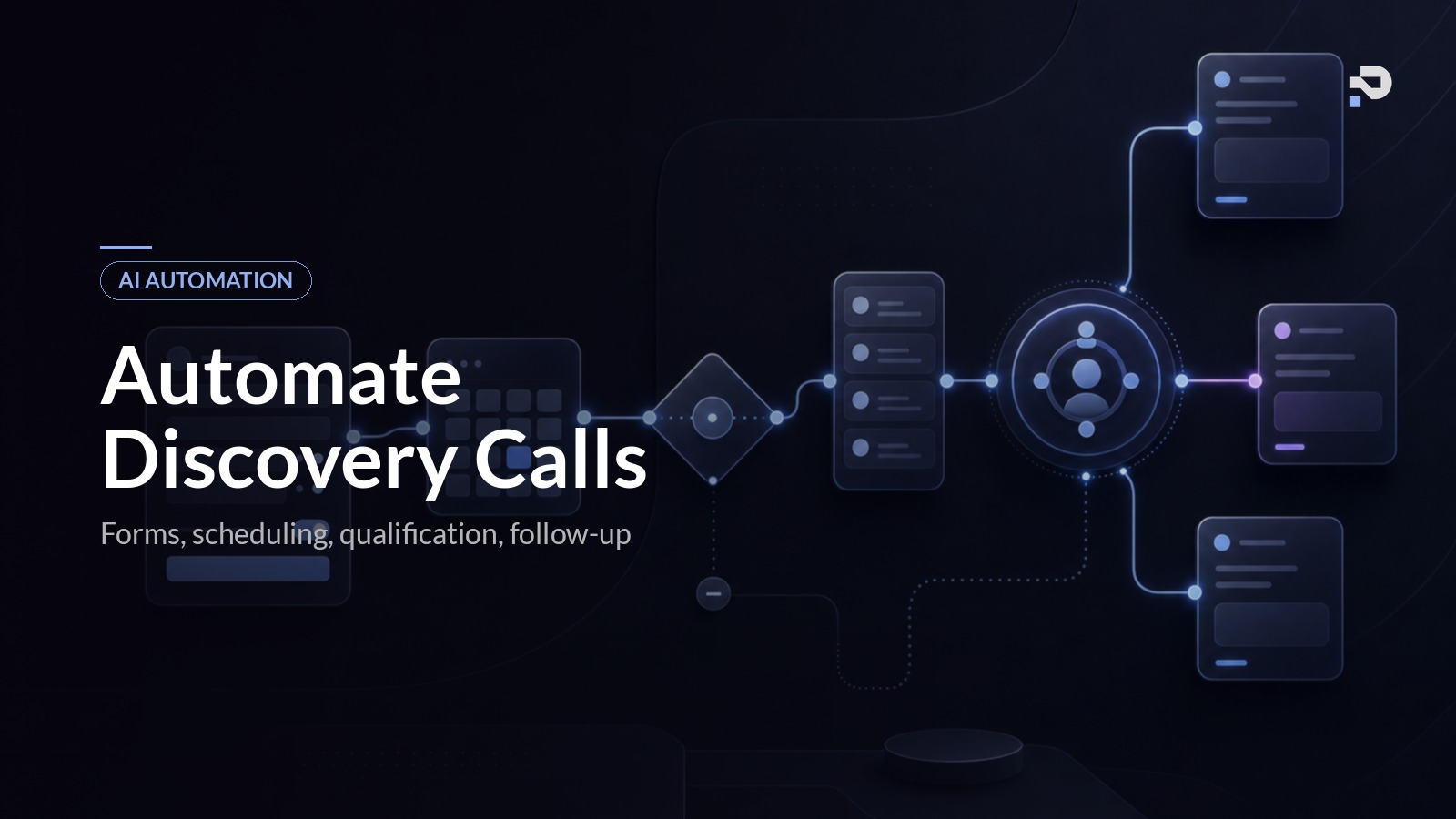
Discovery call automation is the complete chain of events between a lead saying "I am interested" and you walking into a confirmed, qualified discovery call with a prepared prospect on the other side of the screen. Done properly, you are not in the loop for any of the operational work in between. You are still in the loop for the things that need a human: the call itself, the genuinely judgement-heavy decisions, the moments where a prospect needs your specific perspective rather than a system.
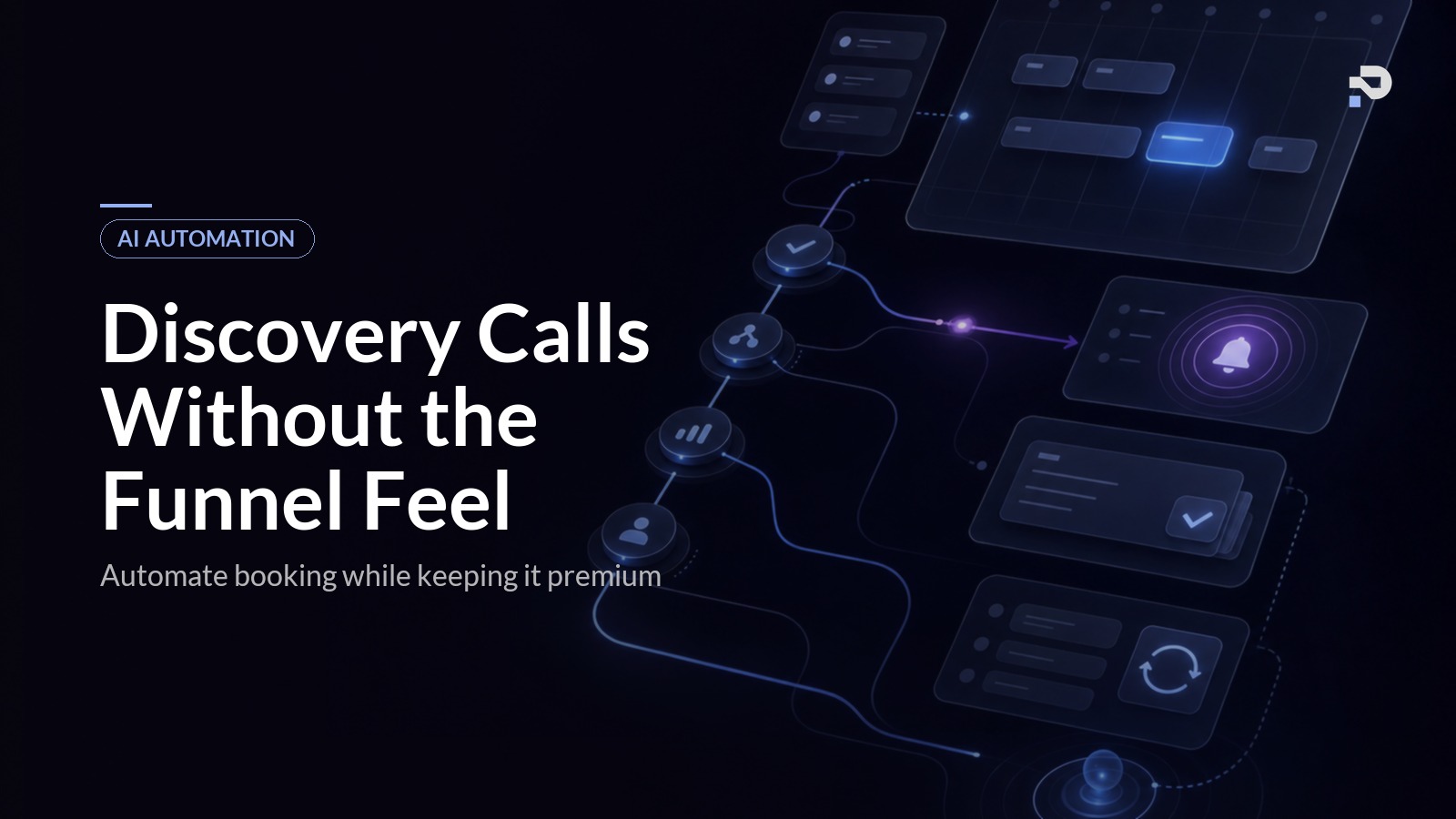
A working discovery call automation system has six components running together:
- A lead qualification step that filters out unqualified prospects before they hit your calendar.
- A scheduling layer that handles availability, time zones, buffer times, and conflicts.
- A pre-call sequence that confirms the booking, sends prep materials, and warms the prospect.
- A reminder system that reduces no-shows.
- Live call tooling that handles transcription and note capture so you can be present.
- A post-call follow-up that delivers the proposal, contract, and payment link without you doing it manually.
If a system handles only the calendar booking and skips the qualification step, you end up with a calendar full of unqualified prospects. If it handles the booking and the reminders but not the post-call follow-up, you are still spending an hour after every call doing admin. The compounding effect comes from running all six together. We built the equivalent of this for our broader AI automation stack for coaches, and discovery calls is consistently the system with the highest visible return.
Why this is the highest-leverage automation after lead follow-up
Lead follow-up is the most important automation in a coaching business because it stops you from losing leads at the front door. Discovery call automation is the next one because it stops you from losing them between the front door and the sales conversation.
The numbers explain why. The average solo coach loses 20% to 40% of booked discovery calls to no-shows. A booked call that does not happen costs the same as a lead you never replied to: it is a slot of your time that produced no revenue, and a prospect who is now harder to re-engage. Reducing no-shows from 30% to 10% on a calendar of twenty discovery calls a month is four extra calls. At a 40% close rate and a £5,000 programme, that is £8,000 of additional monthly revenue from the same top-of-funnel pipeline.
The pre-call confirmation and reminder sequence is what gets you there. We see show rates climb from around 70% to over 90% on builds where this layer is set up properly. Not because the prospects suddenly take you more seriously, but because they did not forget the call, did not miss the time zone conversion, and were sent a piece of prep material that anchored them to the value of showing up.
There is also the post-call layer. Coaches who automate the proposal and contract sequence consistently close more deals. The reason is unglamorous: when the contract and payment link arrive within five minutes of the call rather than the next day, the prospect signs while the conversation is still warm. We have seen close rates jump by ten to fifteen percentage points from this single change.
The premium feel problem
Now the actual concern. High-ticket coaches who avoid automation are responding to a real risk, just diagnosing it wrong.
The risk is not automation itself. The risk is automation that signals to the prospect that they are one of many, that they are being processed, that the coach has not noticed who they are or what they wrote. A prospect who fills out a thoughtful 400-word application and gets back a generic "thanks for your interest, here is my calendar" reply has been told something. They have been told this coach does not read.
The fix is not to do everything manually. The fix is to build a system that reads, that responds in your voice, and that gets the human-feeling parts right. Three principles make this work in practice.
First, personalisation has to be specific. A reply that uses the prospect's name and the name of their business is not personalised. A reply that quotes the actual situation they described, in language that matches the rest of your brand, is. AI is the technology that finally makes this scalable. We have built systems where the AI reads the application, references two specific things the prospect mentioned, and lands a reply that reads as if the coach wrote it at their desk. The prospect cannot tell. We know because we have asked them.
Second, automation should reduce friction, not add it. Sending a prospect through a six-step intake form before they can book a call is not premium. It is bureaucratic. The premium feeling comes from the prospect feeling that the coach has made it easy for them to get the help they were asking for. If your automation adds steps, you have built the wrong system.
Third, the human still appears at the moment that matters. The discovery call itself is human. The personal note that arrives the day before the call is signed by you. The proposal references something specific the prospect said. The system handles the operational chain so that when you do appear, you have actual attention to give and the prospect feels it.
A discovery call automation system that follows these principles does not feel like a funnel. It feels like the coach has a competent assistant. Every prospect we have spoken with on systems we built has commented on how thoughtful the coach is. None of them clocked the automation.
The six components, in detail
This section goes into what each part of the system actually does, in the order you should build them.
1. Lead qualification and intake
The qualification step is what protects your calendar. Before a prospect can book a call, the system has to confirm they are a fit: they are in your target market, they have the budget, they have the authority to buy, and the timing is right.
The traditional version of this is a long application form. The high-friction version. The better version is an AI-driven intake conversation: a short form that captures the basics, followed by a conversational sequence that asks the qualifying questions in your voice. The AI evaluates the answers against criteria you have defined, scores the lead, and routes accordingly. Qualified leads get a calendar link. Borderline leads get a follow-up question. Unqualified leads get a polite redirect to a lower-tier resource or a respectful no.
Build this with structured outputs from a language model so the qualification is auditable. We always log every qualification decision and the reasoning behind it. When a coach later disagrees with how the system qualified a particular lead, you can see exactly why it made the call and adjust the criteria.
2. Scheduling and calendar management
Most coaches use Calendly, Cal.com, or a built-in scheduler from a tool like Dubsado or Paperbell. All of these handle the basics: showing your availability, blocking times, time zone conversion. What matters is what your scheduler is connected to.
The scheduler has to know about your other commitments. It has to respect buffer time between calls (we recommend 30 minutes minimum after a discovery call so you can write notes while the conversation is fresh). It has to integrate with your CRM so the booking automatically creates a record with the qualification data attached. And it has to support custom intake fields that travel with the booking into the rest of the system.
If your scheduler is not connected to anything, it is just a calendar. The value comes from connecting it.
3. Pre-call sequence
This is the most under-built part of every coaching business we look at. The prospect books the call, gets a generic "your call is confirmed" email, and then nothing happens until 15 minutes before the call when the calendar reminder fires.
The pre-call sequence should do three things. First, send a confirmation that feels personal: references the qualification answers, sets the expectation for what the call will cover, includes any prep work the prospect should do. Second, send a reminder 24 hours before the call with a useful asset attached (a relevant case study, a short prep video, a worksheet). Third, send a final reminder one hour before the call with the joining link and a one-line message from the coach.
The asset in the 24-hour reminder is the highest-leverage element here. It does two things at once: it raises show rate (the prospect feels the call has more value), and it warms the conversation (they arrive having thought about your work).
4. Reminder system
Closely related to the pre-call sequence but worth its own section. SMS reminders show measurably higher open and response rates than email reminders, and the marginal cost per message is trivial. We typically recommend a confirmation SMS at booking, an email asset 24 hours before, and an SMS reminder one hour before. That stack reliably gets show rates above 90%.
The reminders should not feel automated. A line like "Hi {name}, just confirming our call tomorrow at {time}. Looking forward to it. {Coach name}" reads as if the coach typed it because, structurally, it could be. The system is doing the operational work; the message is doing the human work.
5. Live call tooling
You do not want to be taking notes during a discovery call. You want to be listening. AI transcription and note-capture tools (Fireflies, Otter, Granola, native Zoom and Google Meet transcription) solve this completely.
The setup is: the call records and transcribes automatically, the AI generates a structured summary at the end (key pain points, current situation, stated goals, objections raised, fit signals), and the summary lands in your CRM attached to the prospect record. You read the summary instead of typing notes. The result is that you walk out of every call with a structured artefact you can reference when you write the proposal, without having spent any of the call distracted by note-taking.
6. Post-call follow-up
This is where most of the revenue is left on the table. The post-call sequence should fire automatically based on the outcome of the call (which the coach tags in a single click in the CRM): a "go" sends the proposal, contract, and payment link; a "thinking about it" sends a thoughtful follow-up sequence over the next two weeks; a "not now" sends a polite resource and adds them to a long-term nurture list.
The proposal in particular should be personalised. We use the call summary as the input to a system that drafts the proposal in your voice, references the specific points the prospect raised, and lands in their inbox within fifteen minutes of the call ending. The coach reviews and sends with one click. Total post-call admin time per call: under two minutes.
This is the single change that lifts close rates the most in the systems we build. The window between the end of a great discovery call and the prospect's enthusiasm fading is shorter than most coaches think.
Common mistakes
Coaches who try to build this themselves usually trip on the same things. A short list, in case you recognise any of them.
Treating the scheduler as the system. A calendar booking page is not a discovery call automation system. It is one component out of six, and the one with the smallest impact on revenue. If you have a Calendly link and call it done, you have not built the thing.
Skipping qualification. Without qualification, your calendar fills with prospects who cannot afford the offer or are not the right fit. The cost is your time, which is the most expensive resource in a coaching business. Qualification at the front end protects everything downstream.
Generic confirmation emails. The default Calendly confirmation email is the most generic message a prospect will receive in the booking flow. Replacing it with something personalised is a thirty-minute change with measurable impact on show rate.
Forgetting the post-call layer. Coaches build the booking flow, deploy it, and then continue to manually write proposals after every call. The pre-call layer gets the prospect in the room. The post-call layer is what closes the deal.
Over-automating the human moments. The discovery call itself, the proposal review, the genuinely difficult judgement calls: these stay with you. If you find yourself building automation around the actual coaching conversation, you have crossed a line.
Tools you can use to build this
For a coach building this themselves, the stack typically looks like:
- Scheduling: Calendly, Cal.com, or a built-in scheduler from Dubsado or Paperbell.
- Qualification and intake: Typeform or Tally for the form, with a workflow tool (Make, Zapier, n8n) handling the AI qualification logic.
- CRM: Dubsado, HubSpot Free, Notion, or Airtable for the prospect record.
- Email and SMS: ActiveCampaign, ConvertKit, or Customer.io. Twilio for SMS.
- Live call tooling: Fireflies, Otter, or Granola.
- Post-call: a workflow tool generating the proposal from a template, with the prospect's data merged in.
This stack will get you 70% of the way there. The remaining 30% is the AI layer that does the actual qualification, generates personalised messages, and drafts proposals. That is the part that requires either technical capability in-house or a build partner. For a step-by-step walkthrough of wiring this stack together yourself, the discovery call automation tutorial covers the build node by node. For coaches who want this delivered as a complete system rather than assembled from parts, that is what we do at Praxail.
FAQ
How long does it take to set up discovery call automation?
A basic version with scheduling, qualification, confirmation emails, and reminders takes a competent operator about a week of focused work. The full version with AI qualification, personalised messaging, and automated proposals takes two to four weeks depending on the depth of integration with your existing tools. We typically deliver a complete build in four to six weeks for a coaching business.
Will my prospects know it is automated?
If it is built well, no. The personalisation is specific enough that prospects assume the coach wrote the messages. We ask new clients on systems we have built, and they are consistently surprised when we explain what is automated. The art is in matching the coach's actual voice and referencing specific things from the prospect's intake.
What if a prospect needs to reschedule?
Build the rescheduling flow into the system. Calendly and Cal.com handle this natively, and the pre-call sequence should adjust automatically based on the new time. The system should also notice when a prospect reschedules more than once and route the lead to a manual touchpoint, which is usually a signal of cold intent.
How much does this cost to run?
Tooling costs for a complete stack are typically £100 to £300 per month for a solo coaching business. The AI components add a small per-message cost (under £20 per month for most coaches at typical lead volumes). The cost is trivial compared to the revenue impact of moving show rates from 70% to 90% and close rates up by ten percentage points.
Should I automate before I have consistent lead flow?
The lead follow-up system is the foundational one and should come first. Once you are reliably converting enquiries into booked calls, discovery call automation is the next system to build. Building this before you have leads is premature: you will optimise something that is not yet your bottleneck.
What is the first piece I should build?
Start with the pre-call confirmation and reminder sequence. It is the lowest-effort, highest-impact change. A coach who replaces a default confirmation email with a personalised sequence and adds a 24-hour asset email plus a one-hour SMS reminder will see show rates rise within the first month. Build outward from there.
Where to take this next
The sequence we recommend, which mirrors the order you should build it in, is: lead follow-up first, discovery call automation second, then onboarding and accountability after that. Each system makes the next one work better.
If you have not built the lead follow-up system yet, that is the place to start. The AI lead follow-up guide walks through that in the same level of detail. Once leads are reliably flowing into your calendar, discovery call automation is the system that makes sure those calls happen, go well, and convert.
If you want to see how a complete build of this looks in practice, see how Praxail works. The discovery call flow is part of the broader AI Client Conversion System we deliver, and the case studies page has the engineering detail of what we have shipped for working coaching businesses.