Most lists of the best AI tools for coaches are written by people who have never built with them. You can tell because the lists are interchangeable. Same twelve products, same screenshot-driven descriptions, same generic claims about how AI will "transform your coaching business." A high-ticket coach reading those lists comes away no closer to a decision than when they started.
This list is different on purpose. Every tool here has been used in a working coaching business build. Each entry covers what the tool actually does, when a high-ticket coach should reach for it, when to skip it, and how it connects to the rest of the stack. The filter is specific: tools that help coaches selling £1,000 to £10,000 programmes, where the relationship matters and the work cannot feel automated to the client.
If you are looking for the right stack to run a coaching business in 2026 rather than a roundup of names you have already seen, this is the post.
How to read this list
The list is organised by job, not by category. A "best AI tool" is the right answer to a specific question (how do I follow up with leads fast, how do I capture call notes, how do I provision a client portal), not a generic product to bolt on the side of your business.
Some tools you will use directly. Others (the workflow tools, the language models, the vector stores) sit underneath and are mostly invisible to you once the system is built. Both kinds matter; the invisible ones are usually the ones that determine whether the system actually works.
If you want the broader picture of how these tools fit together into a coaching automation system, our AI automation playbook for coaches walks through it from first principles. This post is the tool-level view of the same picture.
| Tool | Category | When to use | When to skip |
|---|---|---|---|
| n8n | Workflow orchestration | Production-grade automation with AI integration and deep branching logic | You want the easiest possible starting point |
| Make | Visual workflow automation | Building automations yourself with moderate complexity | High-volume workflows or deep AI integration at scale |
| Claude / GPT | Language models | Any touchpoint that needs to read or write intelligently in your voice | The task is deterministic; a rules-based workflow does the job |
| Calendly / Cal.com | Scheduling | You need booking connected to your CRM, firing downstream automation | Your coaching CRM already includes a competent scheduler |
| Granola / Fireflies / Otter | AI call notes | Stop taking notes during sessions, walk out with a structured artefact | Your niche has recording or confidentiality constraints |
| Dubsado / HoneyBook / Paperbell | Coaching CRM | Single platform for CRM, contracts, payments, and scheduling | You need AI-native automation or deep custom logic |
| Notion / Airtable | Client and content data | Notion for flexible portals; Airtable for structured tracking | Your existing CRM handles this already |
| ActiveCampaign / ConvertKit / Customer.io | Email and SMS | Multi-step sequences with conditional logic across channels | Message volume is low enough for a simple workflow tool |
| Twilio | SMS infrastructure | SMS reminders and check-ins are part of your client experience | Your audience is non-SMS or your platform handles SMS natively |
| Qdrant / Pinecone | Vector databases | AI responses grounded in your specific content or call history | Your AI use is generic and needs no specific knowledge base |
| Instantly | Outbound at scale | Podcast outreach, speaking pitches, or partnership development | Your client acquisition is entirely inbound |
| PostHog | Analytics | Knowing what your automation is actually doing | You are at very early stage with low volume to eyeball |
1. n8n (workflow orchestration)
n8n is the engine room of every Praxail build. It is the workflow tool that wires together every other tool on this list: the AI calls, the CRM updates, the email triggers, the SMS confirmations, the calendar bookings, the form submissions. If a coach receives a DM at 11pm and a personalised reply lands in their inbox four minutes later, n8n is the thing that ran that chain.
Use it when you need a workflow tool that can call language models, query databases, branch on conditions, and run reliably without becoming a $500-a-month bill. n8n is self-hostable, which matters when you are running thousands of automation steps a month.
Skip it if you are at the very start of building automation and a no-code tool would carry you for the first six months. Make and Zapier are more approachable on day one.
Stack note: n8n is the tool the coach almost never sees. It runs underneath. Coaches who try to "use n8n" directly tend to bounce off it because it is built for engineers. The right model is to have it set up for you and never log in.
2. Make (visual workflow automation)
Make (formerly Integromat) is the no-code workflow tool we recommend when n8n is overkill. Its visual interface is more approachable than n8n's, and the library of pre-built connectors covers most coaching tools out of the box.
Use it when you want to build automations yourself and the complexity is moderate (a few dozen steps, simple branching, standard connectors). Coaches who want to keep automation in-house often start here.
Skip it if you are running high-volume workflows (thousands of operations a day get expensive fast) or you need deep AI integration. n8n wins on both counts.
Stack note: Make and Zapier overlap heavily. Make is more capable at multi-step logic. Zapier is more polished at the simple stuff. Many coaches end up using both.
3. Claude (Anthropic) and GPT (OpenAI) (language models)
The language model is the layer that does the actual thinking. Lead qualification, message drafting in your voice, intake synthesis, call summary generation, sentiment detection on client check-ins, pre-session brief writing. Every place where the system needs to read or write something intelligently, a language model is doing the work.
Use it when you want any part of your coaching business to behave less like a static template and more like a thoughtful assistant. The bar for "is this AI worth using" should be: would a thoughtful human do this better, and is a thoughtful human available at the moment it needs to happen? If the answer to the second question is no, the language model is the right tool.
Skip it if the task is deterministic enough that a simple rules-based workflow does the job. Sending a Calendly confirmation does not need a language model. Replying to a DM does.
Stack note: Use Claude for tasks that need careful reasoning, structured output, or long context windows. Use GPT for tasks where speed and breadth of third-party tool integrations matter more. In practice, every build we ship uses both, picked per task.
4. Calendly and Cal.com (scheduling)
Calendly is the default and works well. Cal.com is the open-source alternative that gives you more control and lower long-term cost. Either one handles the basics: availability windows, time zone conversion, buffer times, intake questions, reminders.
Use either when you need a scheduling layer that connects to your CRM and your workflow tool, supports custom intake fields, and lets the booking trigger downstream automation. Both qualify.
Skip them only if you are running on a coaching-specific CRM (Dubsado, HoneyBook, Paperbell, Practice Better) that includes a competent built-in scheduler. In that case, use the built-in to keep the data in one place.
Stack note: A scheduler that is not connected to anything is just a calendar. The value comes from the booking firing a workflow that handles intake, prep, reminders, and post-call work. We covered this in detail in the discovery call automation guide.
5. Granola, Fireflies, and Otter (AI call notes)
Live call AI is the change that lets you stop taking notes during sessions and start being present. The tool sits on Zoom, Google Meet, or Microsoft Teams, records the call, transcribes it, and produces a structured summary at the end. Some of them (Granola in particular) work without joining as a bot, which clients prefer.
Use one when you want to walk out of every coaching call with a structured artefact you can reference later, and you want to spend the call listening rather than typing. The summary feeds the CRM, the next-session brief, and (in our builds) the personalised follow-up message that lands in the client's inbox within minutes.
Skip them if your clients are uncomfortable being recorded for legitimate confidentiality reasons. Some niches (therapy-adjacent coaching, executive coaching with NDAs) cannot use recording.
Stack note: Granola has the cleanest UX in 2026 because it does not join calls as a bot. Fireflies is the most feature-rich. Otter has the deepest integrations. Pick based on which trade-off matters most to you.
6. Dubsado, HoneyBook, and Paperbell (coaching CRMs)
These are the all-in-one platforms designed specifically for coaches and creative service providers. Each one bundles a CRM, scheduling, contracts, payments, intake forms, and basic email workflows in a single tool.
Use one when you want a single platform that handles the operational basics of running a coaching business without you assembling it from a stack of separate tools. Solo coaches especially benefit from the consolidation.
Skip them if you need AI-native automation, sophisticated outbound sequences, or deep custom logic. None of the three are AI-first products as of 2026, and they are not designed to be the central hub of an AI-driven stack. They are the right answer for the human-driven coaching business; they are a starting point for the AI-driven one.
Stack note: Many of our builds use Dubsado or HoneyBook as the system of record and wire Praxail's automation layer around them. The CRM keeps the client data; the automation layer does the AI-driven work the CRM cannot.
7. Notion and Airtable (client and content data)
Notion is the flexible knowledge layer; Airtable is the structured database layer. Both are useful for coaching businesses, and they solve different problems.
Use Notion when you want a client portal that doubles as a working document, where the coach and client can both edit, link, and reference content. Programme materials, session notes, action items, resource libraries all live here naturally.
Use Airtable when you need structured data with views and filters. Client tracking, lead pipelines, content calendars, accountability dashboards all work well here.
Skip them if you have a coaching CRM doing this job already. Layering Notion or Airtable on top of Dubsado is usually overkill for a solo coach.
Stack note: Both tools have decent APIs, which is why they show up in automation stacks. Notion APIs are slower than Airtable's. Airtable handles structured queries better.
8. ActiveCampaign, ConvertKit, and Customer.io (email and SMS automation)
The email and message platform is what fires the sequences your AI layer drafts. ActiveCampaign is the most powerful for sequencing logic. ConvertKit is the easiest to use for content-driven coaches. Customer.io is the most powerful for behaviour-triggered messaging across email and SMS.
Use ActiveCampaign when you have complex sequencing logic (conditional branches, multi-channel flows, deep CRM integration).
Use ConvertKit when your marketing is content-led (newsletters, courses, lead magnets) and you want the lowest learning curve.
Use Customer.io when you need event-triggered messaging across email and SMS based on what the client does (or does not do) in your system. This is the one we reach for most often in Praxail builds.
Skip all three if your message volume is low enough that a simple workflow tool sending direct emails will cover you. Adding a dedicated platform under low volume is overhead.
Stack note: The AI layer drafts the message; the email or SMS platform delivers it and tracks engagement. The two roles should be cleanly separated.
9. Twilio (SMS infrastructure)
Twilio is the SMS layer underneath every coaching automation we have built that uses text messaging. It does not have a coach-facing interface; it is plumbing.
Use it when SMS reminders, confirmations, or check-ins are part of your client experience. Open rates and response rates on SMS are materially higher than email for short, time-sensitive messages.
Skip it if your audience is exclusively non-SMS (some international coaching businesses), or if your message platform (Customer.io, ActiveCampaign) handles SMS natively at a price that works for your volume.
Stack note: SMS reminders before discovery calls and first sessions are one of the highest-ROI message types in any coaching business. Show rates climb measurably when SMS is added.
10. Qdrant and Pinecone (vector databases)
Vector databases store text in a form that language models can search semantically. When your AI assistant needs to "remember" everything you have ever written, said, or shipped, the memory lives in a vector database.
Use one when you want AI responses grounded in your specific content (your past blog posts, your programme materials, your call transcripts) rather than generic. The AI does not invent answers; it retrieves the relevant pieces from your knowledge base and generates a response grounded in them.
Skip them if your AI use is generic (drafting messages in your voice, qualifying leads) and does not need to reference a specific body of content. Many coaching AI stacks do not need a vector database at all.
Stack note: Qdrant is self-hostable and the default choice in our builds. Pinecone is the managed alternative. Both work; the trade-off is cost vs operational simplicity.
11. Instantly (outbound at scale)
Instantly is the cold email platform we use for outbound campaigns at scale. It handles sender warm-up, deliverability, list management, and AI-classified replies. The speaking-coach build that produced our 15% reply rate and $600k to $1M pipeline result ran on Instantly.
Use it when outbound is a meaningful channel for you (podcast booking, speaking outreach, partnership development). Volume of 500+ targeted emails per month justifies the tool.
Skip it if your client acquisition is inbound only. Coaches whose marketing is entirely content-driven do not need an outbound tool.
Stack note: Outbound that works for high-ticket coaches looks different from B2B SaaS outbound. Personalisation depth matters more than volume. We covered the speaking-coach engagement in the AI automation for coaches playbook.
12. PostHog (product and pipeline analytics)
PostHog is the analytics layer that tracks what is happening in your automation. Lead source attribution, pipeline conversion rates, message engagement, where in the funnel clients drop off. Self-hostable, generous free tier.
Use it when you want to know what your automation is actually doing rather than guessing. Coaches who skip analytics tend to over-trust the system; the ones who measure it find the broken parts within weeks.
Skip it if you are at the very start of building automation and the volume is low enough that you can eyeball it from spreadsheets.
Stack note: Most coaches under-instrument their automation. Adding analytics is unglamorous and high-leverage. The first month of data after PostHog goes in almost always reveals something the coach did not know.
Honourable mentions
A few tools that come up regularly but did not earn a top-12 slot in our builds:
- Zapier. Same job as Make, more polished but more limited at scale. Often the right starting point.
- Pipedream. Developer-focused workflow alternative. Excellent for engineering teams; underused by coaches.
- Stripe. The payments default. Coaches rarely choose; they use whatever their CRM ships.
- DocuSign, HelloSign, PandaDoc. Contract signing. Functionally similar; pick the one your CRM integrates with.
- Circle, Kajabi. Community and course platforms. Important if community is part of your offer; otherwise skip.
- Coachvox AI. The AI clone product. Different job from anything else on this list. We covered the comparison in Praxail vs Coachvox AI.
How these tools fit together: the stack view
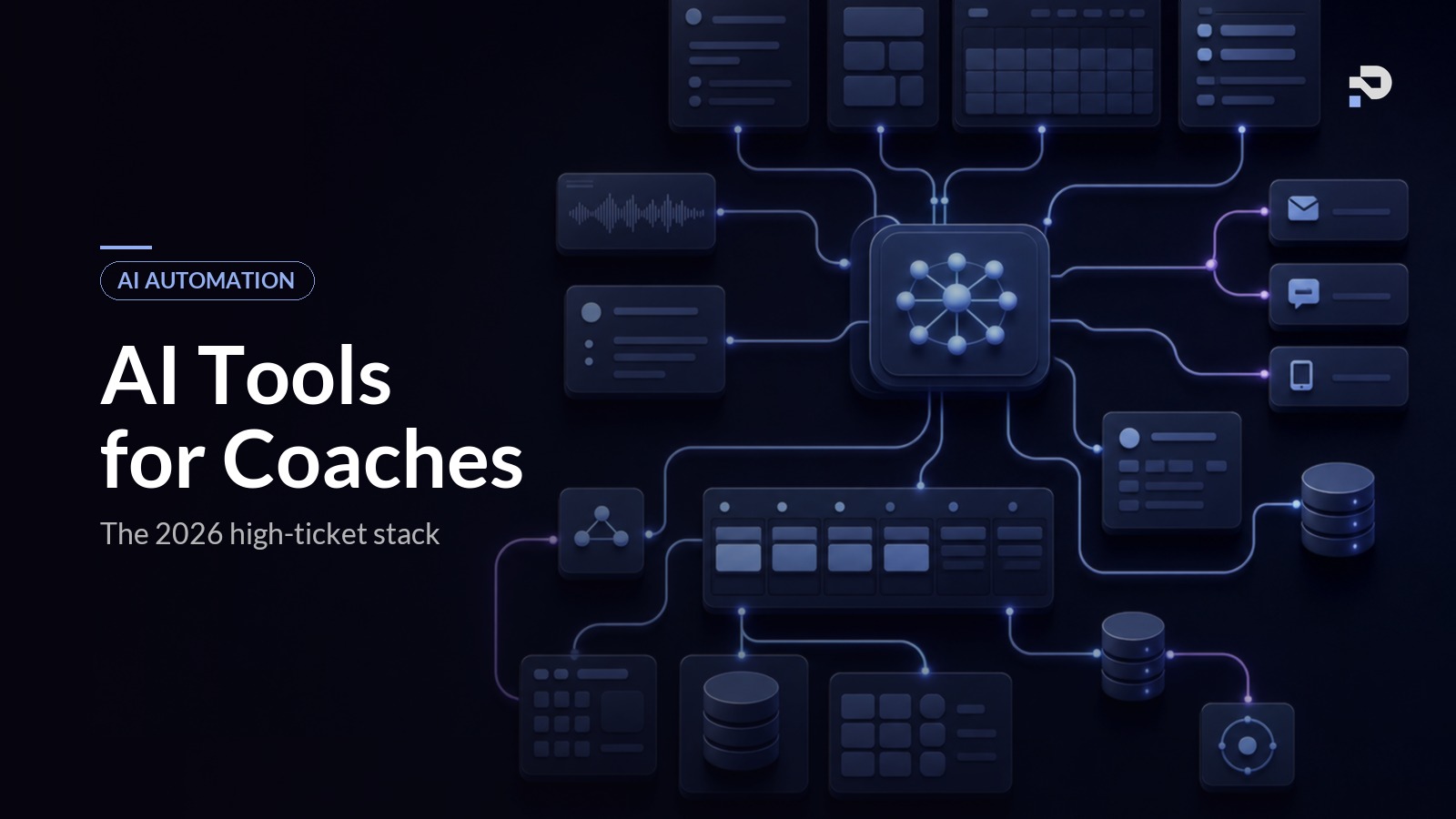
A high-ticket coaching business in 2026 typically runs on roughly this shape of stack:
The CRM (Dubsado, HoneyBook, Paperbell, or a custom Notion-and-Airtable setup) holds the client data. The scheduler (Calendly, Cal.com, or built-in) handles bookings. The email and SMS platform (ActiveCampaign, ConvertKit, Customer.io, Twilio) delivers messages. The call notes tool (Granola, Fireflies, Otter) captures session content.
Underneath all of those, the workflow tool (n8n or Make) orchestrates the chain, and the language model (Claude or GPT) does the intelligent work at each step that needs it. A vector database (Qdrant) shows up if you need AI grounded in your specific content. Analytics (PostHog) measures whether any of it is working.
The single most common mistake is buying products and configuring them in isolation. The value is not in any one tool. It is in the chain: a DM coming in fires a workflow that calls a language model that drafts a reply that lands in the platform that delivers it within five minutes, then writes the result back to the CRM. Each tool on this list is a component in that chain.
Common mistakes when choosing AI tools
A short list, in case you recognise any of them in your own evaluation:
Buying the loudest brand. Coachvox AI is the most recognised name in AI-for-coaches and is the right tool for some coaches. It is the wrong tool for others. The popularity of a product is not evidence that you specifically need it.
Buying the cheapest at every layer. A $9/month tool that breaks once a week is not cheaper than a $50/month tool that does not. Calculate the cost of failure, not just the subscription.
Buying nothing, on principle. The most common mistake we see is paralysis. Coaches reading these lists for a year without choosing. The right answer for 80% of coaches is to start with a workflow tool, a scheduler, an email platform, and a language model, and build outward.
Buying everything. The other failure mode. A coach with thirteen tools, all paid for, two of them actually used. Restraint is a feature.
Ignoring the integration layer. Choosing tools that do not connect to each other forces you to be the integration. That is exactly the work AI is supposed to remove.
FAQ
What is the minimum viable AI stack for a coaching business?
A workflow tool (Make to start, n8n once you scale), a language model (Claude or GPT), a scheduler (Calendly), and an email platform (ConvertKit or ActiveCampaign). That stack will run a working AI lead follow-up flow, an automated discovery call sequence, and a basic onboarding chain.
Which tool should I learn first?
Make. It is the most approachable workflow tool and learning it teaches you how the rest of the stack thinks. Coaches who try to start with n8n usually bounce off it; coaches who start with Make tend to graduate to n8n once they hit the limits.
Do I need to learn to code?
No, but you will need someone who knows what they are doing if you want a system that actually runs reliably. The boundary between "I can build this with no-code tools" and "this needs an engineer" is somewhere around the point where AI is making real decisions in production. Plenty of coaches run good systems they built themselves; plenty of others have systems that look impressive in a workflow diagram and break weekly in production.
How much should I budget for tooling?
Typical monthly tooling cost for a solo coaching business with a full automation stack: £150 to £400 per month. The AI usage cost (Claude or GPT API calls) is usually under £50 a month at coaching volumes. The cost of the system not working (lost leads, missed renewals, drained hours) is almost always larger than this.
What if I am already on Coachvox or Paperbell?
Both are fine starting points. Coachvox handles website chat; Paperbell handles post-sale onboarding. Neither is a complete AI automation stack on its own, but each can live inside a stack the rest of which is built around them. Our comparison post on Praxail vs Coachvox AI goes into detail on where each tool fits.
How often should I re-evaluate my stack?
Quarterly is more than enough. Tool changes are operationally expensive (data migration, workflow rebuilds, retraining). The cost of switching is usually higher than coaches estimate. Stick with what is working unless something is genuinely broken.
Will AI tools replace coaches?
No. AI tools replace the operational work around coaching: the admin, the follow-up, the scheduling, the note-taking, the messaging. The coaching itself (the conversation, the judgement, the relationship) is what the client is paying for, and that part stays human. Coaches who automate well end up doing more of the actual coaching, not less.
Where to take this
If you already know which tools you need and are looking at how to wire them together, the AI automation playbook for coaches covers the system-level view. If lead conversion is your current bottleneck, the AI lead follow-up guide walks through the specific stack for that job. If discovery calls are the bottleneck, the discovery call automation guide covers that one.
If you want to see what a complete, integrated build looks like rather than assembling the stack yourself, see how Praxail works. The tools on this list are the same ones we use; the difference is they arrive working, wired together, and tuned to your business.