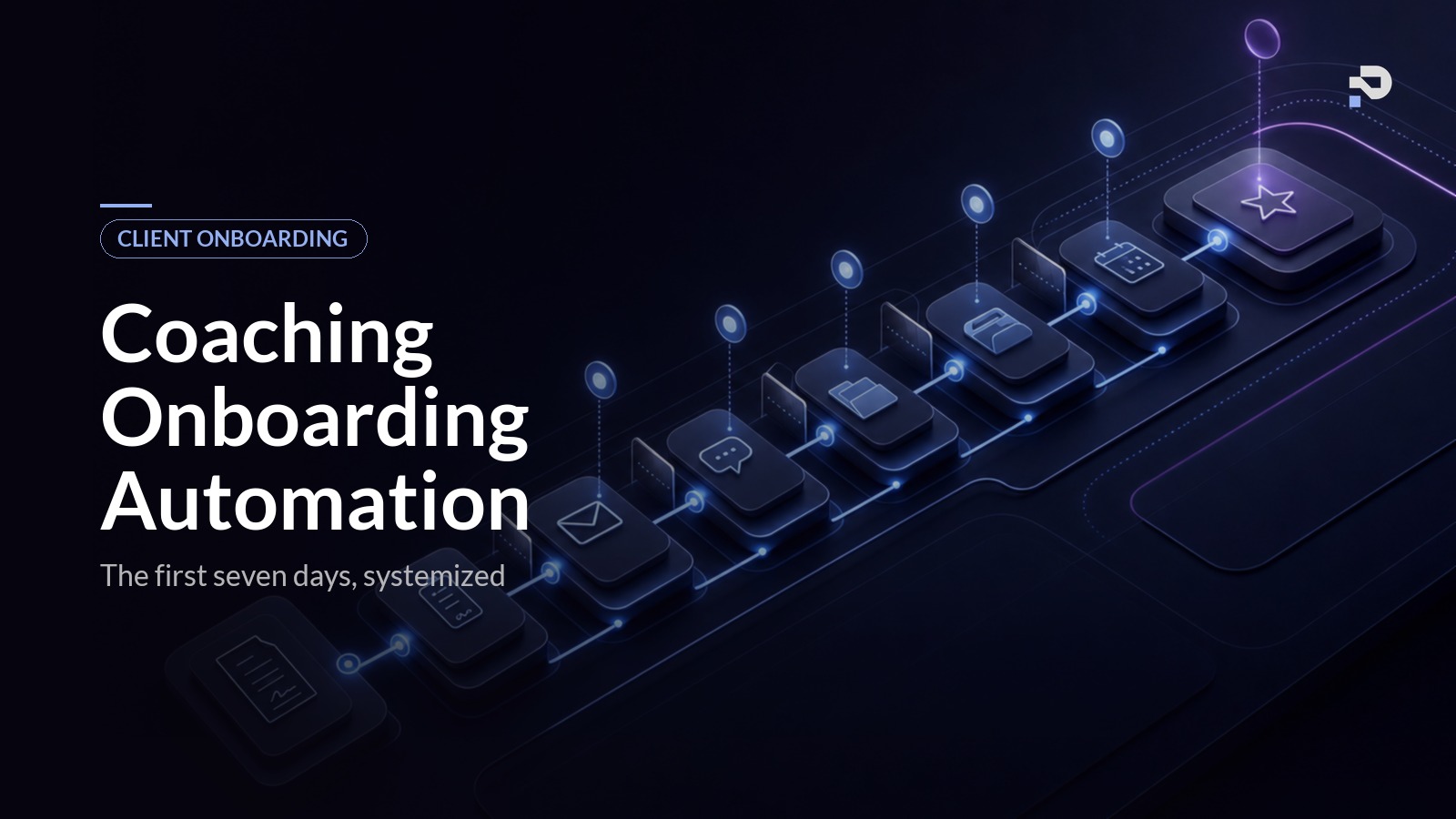
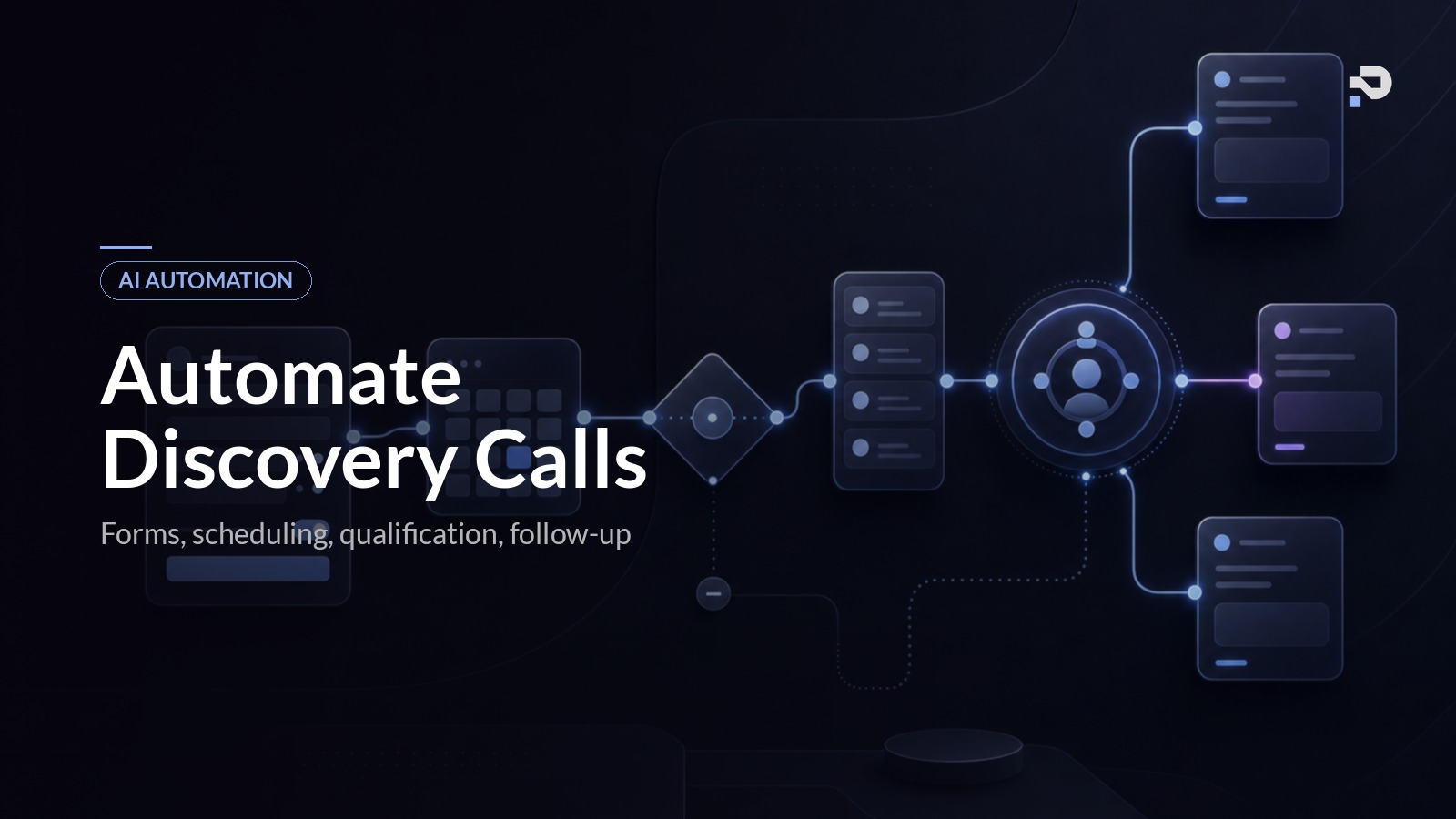
This is a build tutorial, not a strategy post. If you want the case for why client onboarding is a retention engine rather than admin, why the first seven days predict lifetime value more than any other window, and what the system has to contain at a conceptual level, the coaching client onboarding automation pillar covers that. This post assumes you have already decided to build the system and want to know which tools to pick, what to wire to what, and what each step has to do.
By the end of it you will have a working sequence that takes a client from contract signed to a productive first session with you in the loop only at the moments that matter. It will not be the most sophisticated version of this system you can build, but it will run end to end, and you can layer in the harder pieces (deeper AI personalisation, cohort-aware pacing, branched delivery tracks) once the foundation is reliable.
Realistic time to build, working evenings and weekends: fifteen to twenty-five hours over a week or two. Add another ten hours if you want the AI personalisation layer doing the heavy lifting from day one.
Before you start: what you need
Four things need to be true before this is worth your time:
- You are signing at least one or two new clients a month. If you are signing fewer than that, build the discovery call flow first, because the onboarding system has nothing to do until people are paying.
- You have a single high-ticket offer, or a small number of offers with similar onboarding shapes. If every client gets a bespoke onboarding, automate the common spine and leave the bespoke pieces manual.
- You can write, in three or four bullet points, what a client absolutely has to know, have, or do before they walk into their first session ready to work. If you cannot, you cannot automate the sequence.
- You have a recorded discovery call (or a structured set of notes) for each new client. The personalisation layer reads that summary. No summary, no personalisation.
You will also need accounts on a handful of tools. The default stack below is what we recommend for a solo or small coaching business doing five to twenty signings a month. Swap in equivalents if you already pay for something that does the same job.
| Layer | Default pick | Equivalent if you already use it |
|---|---|---|
| Contracts | HelloSign or PandaDoc | Dubsado, HoneyBook, Practice Better contracts module |
| Payments | Stripe or GoCardless | Built-in payment links from your CRM |
| Intake form | Tally (free tier works) | Typeform, Jotform, Fillout |
| CRM / record store | Notion or Airtable | Dubsado, HoneyBook, Paperbell, Practice Better |
| Workflow engine | n8n (self-hosted or cloud) | Make, Zapier, Pipedream |
| Loops or ConvertKit | ActiveCampaign, Customer.io | |
| SMS | Twilio | MessageBird, Vonage |
| Client portal | Notion, Circle, or Kajabi | Practice Better, custom portal |
| Scheduler | Cal.com (free tier works) | Calendly, SavvyCal, Dubsado scheduler |
| AI layer | OpenAI or Anthropic API | Any model you already pay for |
Total monthly tooling cost for the default stack is around £60 to £150 depending on volume, plus a few pounds in AI API costs. The dominant variable is the email tool once your list grows past a few thousand.
Step 1: Build the signing trigger
The trigger is the single most important wiring decision in the whole build. Get it wrong and the system fires for clients who never pay, or stays silent when a client signs out of hours. Get it right and the rest of the sequence is downstream of one reliable event.
The rule is simple: the sequence fires when both events have happened, contract signed and payment confirmed. Not signed alone, not paid alone, both. We have watched coaches lose serious time onboarding clients who signed and then never completed the payment, and we have watched clients sit silent for hours after paying because the contract tool sent the notification but the payment tool did not.
In n8n (the steps map directly to Make or Zapier), create a workflow with two webhook triggers. The first listens to your contract tool's "document signed" event. The second listens to your payment processor's "payment succeeded" event. Both nodes write to a single record in your CRM, keyed by the client's email address, updating two fields: contract_signed_at and payment_confirmed_at.
A third node, scheduled to run every minute, scans the CRM for records where both fields are populated and onboarding_started_at is empty. For each match, it fires the onboarding workflow and stamps onboarding_started_at so the trigger does not fire twice. This is a more robust pattern than chaining the webhooks directly, because it handles out-of-order events (payment lands before contract, or the other way around) without you writing branching logic.
If you are using Dubsado, HoneyBook, or Practice Better, the built-in workflow engine can do the same thing with their native triggers. The wiring is simpler; the principle is identical.
Step 2: Day 0, confirmation and booking
The Day 0 message has to land within five minutes of payment confirmation. Speed here is not a vanity metric. The client is at peak excitement immediately after paying and that excitement decays within hours; a delayed first contact is the most common cause of buyer's remorse setting in before the relationship has even started.
The message itself has three jobs. Confirm the agreement in your voice, set expectations for what happens over the next seven days, and deliver the booking link for the first session with availability pre-filtered to slots in the next ten days. One email, not three.
In your email tool, build a single template called onboarding_day_0. Use merge fields for the client's first name, the programme name, and the booking link. The booking link is generated dynamically from a Cal.com event type called First Session that has its availability rules already configured (30 to 60 minutes depending on your programme, 24 hours minimum notice, capped at two per day so you do not overload your week).
Two configuration details worth getting right. First, send from the coach's actual email address, not a noreply@ or a marketing platform sub-domain. Clients reply to Day 0 messages more than you would think, and those replies have to land in the coach's inbox, not in a black hole. Second, include the portal access link in the same message if your programme has a portal. A separate "your login is ready" email twenty minutes later is the kind of small friction that signals scattered ops.
Fire the same trigger workflow that handles Day 0 to provision the portal entry, the community invite, and any tool seats the client needs. The client experiences one email; the system handles five operational steps in parallel.
Step 3: Day 1, welcome video and intake form
Twenty-four hours after signing, the welcome sequence proper begins. The Day 1 message contains a short personal video from the coach (recorded once, kept under three minutes, used for every new client), the intake form link, and a one-line note framing the intake as a prerequisite for the first session.
Build the intake form in Tally. Keep it to six to eight questions. The temptation is to ask everything, because the form is the one moment the client is engaged enough to answer thoroughly. Resist it. Ask only the questions whose answers will change how you prepare for the first session, or that you will reference in personalised messages later. A 47-question intake is the fastest way to get a partially completed form and a client who feels processed.
The questions that earn their place in almost every coaching intake we have built:
- What does success in this programme look like for you in concrete terms?
- What is the single biggest thing standing in your way right now?
- What have you already tried that did not work?
- What would you like me to know about you that did not come up on the call?
- How do you prefer to be challenged when you are stuck?
- Anything off-limits for the work we are doing together?
Configure the form to write its answers directly to the client record in your CRM, into structured fields rather than a single blob of text. The downstream AI layer needs to read each answer separately. Turn on partial response saving so a client who starts the form and gets distracted does not silently disappear from your funnel.
The video is the highest-leverage part of the Day 1 message. Record it once, host it on Loom or your own storage, and reference it from the email template. Keep it short, name what is going to happen in the next week, and invite the client to bring something specific to the first session. Clients tell us the welcome video is the moment they relax and feel they made a good decision.
Step 4: Day 3, the AI-drafted personal note
This is the highest-leverage automation in the entire onboarding sequence and the one most coaches skip. A short note from the coach, three or four sentences, lands in the client's inbox on Day 3. It references the specific goal they described on the discovery call, names one thing the coach is looking forward to about working together, and is signed in the coach's voice. The coach has not typed it. The AI layer has, using the discovery call summary as input.
In your workflow tool, build a scheduled workflow that runs each morning. It pulls every client whose onboarding_started_at is exactly three days ago and day_3_note_sent is empty. For each, it fetches the discovery call summary (from Granola, Fireflies, or wherever your call tooling stores summaries) and the intake answers if completed.
Pass both to your AI layer with a prompt structured like this:
You are the assistant for a coach who runs a £5,000 high-ticket
programme. Read the discovery call summary and intake answers
below and draft a three-sentence personal note from the coach
to the client.

The note must:
1. Reference the specific goal the client stated on the discovery
   call (not a generic version of it).
2. Name one specific thing the coach is genuinely looking forward
   to about working with this client.
3. Sound like the coach wrote it. Match the voice in the style
   examples below.

Do not use any of these words: "excited", "journey", "thrilled",
"transformation". Do not refer to the programme by name. Do not
mention that this is automated.

Style examples (the coach's actual writing):
[paste three or four short messages the coach has actually written
to clients, ideally pulled from previous emails]

Discovery call summary: {summary}
Intake answers: {intake}
The output goes into the email template merge field, and the email sends from the coach's address. The coach is not in the loop on each note unless something looks wrong; in that case the workflow drops the draft into the coach's inbox with a one-click approve link instead of sending automatically. Build the human review path from day one so you can audit the first twenty or thirty notes before letting the system send straight through.
The reason this works: the client is by Day 3 in the part of the journey where buyer's remorse is most likely to surface. They have signed, paid, watched the video, started the intake, and the initial excitement has faded. A note arriving here, specific to them, signed by the coach, is the single most effective intervention for cementing the relationship.
Step 5: Day 5, silent-client catch and prep materials
By Day 5, the system inspects the state of each client. If the intake is complete, the AI layer reads the answers and surfaces them to the coach as a structured pre-session brief. If the intake is incomplete, a soft follow-up goes out, and if the client has not opened the last two messages, the system flags them to the coach for a personal one-liner.
The silent-client catch is the failure-mode handler that prevents quiet disengagement from becoming silent churn. Build it as a single workflow that runs each evening and checks every client at Day 5:
- Intake complete and engagement signals normal: send the personalised prep material.
- Intake incomplete, engagement normal: send a soft "checking in, the intake helps me prepare for our session" message.
- Intake incomplete and engagement low (no opens in the last two messages): create a task in the coach's CRM with full context (which steps are complete, when the last contact was, the booking status) and pause further automated messages until the coach responds.
The prep material is selected from your library based on the intake answers. You do not need a clever recommendation engine for this in v1. Tag each prep asset in your CRM with the goals or stuck points it addresses, and let the AI layer match the asset to the client's intake answers with a simple prompt. One or two assets, not five. The principle is that the client receives material that feels chosen, not pushed.
The pre-session brief is the asset the coach actually uses on the call. It is a structured summary, ideally one page, generated automatically and dropped into the coach's first-session prep tool (Notion, Granola's pre-meeting notes, or your CRM). The brief contains the client's stated goal, the stuck point, what they have tried, their preferred challenge style, anything from the intake the coach should know, and one or two suggested opening questions based on the gap between their goal and current state.
This step is where the system moves from feeling helpful to feeling indispensable. The coach walks into the first session with twenty minutes of preparation already done, fully informed, and the only manual work was reading a one-page brief.
Step 6: Day 7, the first session and the handover
The first session happens at the booked time. The coach walks in with the structured brief, the call is recorded and transcribed by Granola (or your call tool of choice), and the system generates a post-session summary the same way it does for discovery calls.
The post-session sequence handles the handover from onboarding to programme delivery. Build it as a workflow triggered by the call ending (Granola fires a webhook when the summary is ready):
- Generate a client-facing recap from the summary, drafted by the AI layer in the coach's voice, listing what was discussed, the actions agreed, and the date of the next session.
- Drop the draft into the coach's inbox with a one-click approve link for the first few cycles, then move to send-on-completion once you trust the output.
- Update the CRM record to mark onboarding complete and the client as active in programme delivery.
- Trigger the recurring session scheduler if your programme has fixed cadence, or send the booking link for session two if it does not.
The coach has spent zero minutes on admin and walked into the first session more prepared than they would have been writing notes by hand for an hour. The client experiences the coach as fully present and fully informed. That is the whole point of the system.
Wire it together and test end to end
Before you point any real clients at this, run a full test cycle. Sign a fake contract as yourself, fire a fake payment, and walk the whole sequence start to finish over the course of a real seven-day window (or, if you want to test it faster, configure the day timers to run in minutes instead of days for a single test record).
Things to verify:
- Day 0 message lands within five minutes of the payment trigger, with the booking link and portal access working.
- Day 1 message arrives twenty-four hours later, intake form submits correctly and writes to structured fields in the CRM.
- Day 3 note generates a draft that sounds like you, references the discovery call specifically, and does not contain the banned words from the prompt.
- Day 5 silent-client catch fires correctly when you deliberately leave the intake incomplete and stop opening messages.
- Day 7 brief generates from the intake and discovery call summary and lands in your prep tool before the first session.
- Post-session recap drafts correctly from the call recording and lands in your inbox for approval.
Expect to spot four or five small bugs in this pass. The most common ones we see: the Day 3 prompt occasionally generates a note that sounds nothing like the coach (fix by adding more style examples), the silent-client catch fires for clients on holiday (fix by widening the engagement window from two messages to three), and the portal provisioning step races the Day 0 email (fix by adding a delay so the portal is definitely ready when the email lands).
Fix these now, on yourself, not on a paying client.
Cost and time, honestly
For a coach building this on the default stack:
- Tooling: around £60 to £150 per month depending on volume, plus a few pounds in AI API costs at typical signing volumes.
- Build time: fifteen to twenty-five hours over a week or two for the basic version. Closer to thirty-five hours if you build the AI personalisation layer and the structured pre-session brief properly.
- Maintenance: about ninety minutes a month once it is running, mostly reviewing AI-generated drafts you disagree with and tuning the prompts.
The first month is the painful one. After that the system runs quietly, and the only sign it is working is that you stop dreading the post-sale week.
FAQ
Do I need a CRM to build this?
You need somewhere to store the client record and the workflow state. Notion or Airtable is enough for the first version. If you already use Dubsado, HoneyBook, Paperbell, or Practice Better as your client management system, that is the source of truth and the onboarding workflows read from and write to it. The coaching client onboarding automation pillar covers the role each tool plays in more depth.
What if my offer has multiple onboarding paths?
Build the common spine first (signing trigger, Day 0, Day 1 video, Day 3 note, Day 7 first session) and branch only where the paths genuinely diverge. Most coaches think their offers need very different onboarding and discover, when they map it, that the spine is shared and only the prep materials and the framing change. Branch at the point where the experience has to differ, not before.
Can I skip the AI personalisation layer at first?
Yes. The Day 3 note can be a high-quality template with three merge fields (first name, the goal as the client stated it, one specific reference from the intake) instead of a fully AI-drafted message. It is cruder than the AI version and the personalisation will feel thinner, but it is a valid v1. Add the AI layer in month two once the rest of the sequence is reliable.
What if a client signs and pays before the contract is sent?
Rare but it happens, especially with returning clients or warm referrals. Build the trigger to fire on either path: contract signed then paid, or paid then signed. The "wait for both events" pattern in Step 1 handles this naturally because it does not care about order.
What about clients on cohort programmes?
The per-client spine still applies, but the pacing changes. Instead of running Day 0 to Day 7 against the signing date, run it against the cohort start date, so all clients hit the first session moment together. The intake and the AI-drafted note still personalise per client; the timing aligns to the cohort. The pillar guide goes deeper on this distinction.
Will my clients notice it is automated?
If you build it well, no. The personalisation in the Day 3 note is specific enough that clients assume the coach wrote it. The video is genuinely the coach. The first-session brief is genuinely used by the coach. Clients on systems we have built consistently report that the first week felt thoughtful and well-organised, and none have flagged that it felt automated. The risk is in the gap between sloppy automation and absent automation, not between automation and manual.
How does this connect to my discovery call flow?
The discovery call summary feeds the onboarding personalisation. The intake from onboarding feeds the first session brief. The first session feeds the start of programme delivery. Each stage hands structured context to the next, which is why building these systems in order (discovery calls first, then onboarding, then accountability) compounds rather than fragments your stack.
What is the first piece I should build?
The signing trigger and the Day 0 message. The single most common failure in coaching onboarding is silence between contract signed and first contact, and a same-minute confirmation email with a working booking link fixes that immediately. Once Day 0 is reliable, build the intake (Day 1), then the AI-drafted note (Day 3), then the silent-client catch (Day 5), then the first-session brief (Day 7). Build outward from the trigger.
Where to take this next
Once this is running, the natural next system to build is client accountability automation, which picks up where onboarding ends and runs through programme delivery. The two systems share the same client record, the same intake data, and the same AI personalisation layer, so building them as a pair compounds the engineering effort.
If you read this far and decided you do not want to build it yourself, that is a reasonable call. The full stack assembled and AI-tuned for a specific coaching business is roughly a four to six week engagement when we build it. See how Praxail works for what a complete onboarding build looks like in production, including the AI personalisation and pre-session brief layers that are the slowest pieces to get right when you build from scratch.